Overview
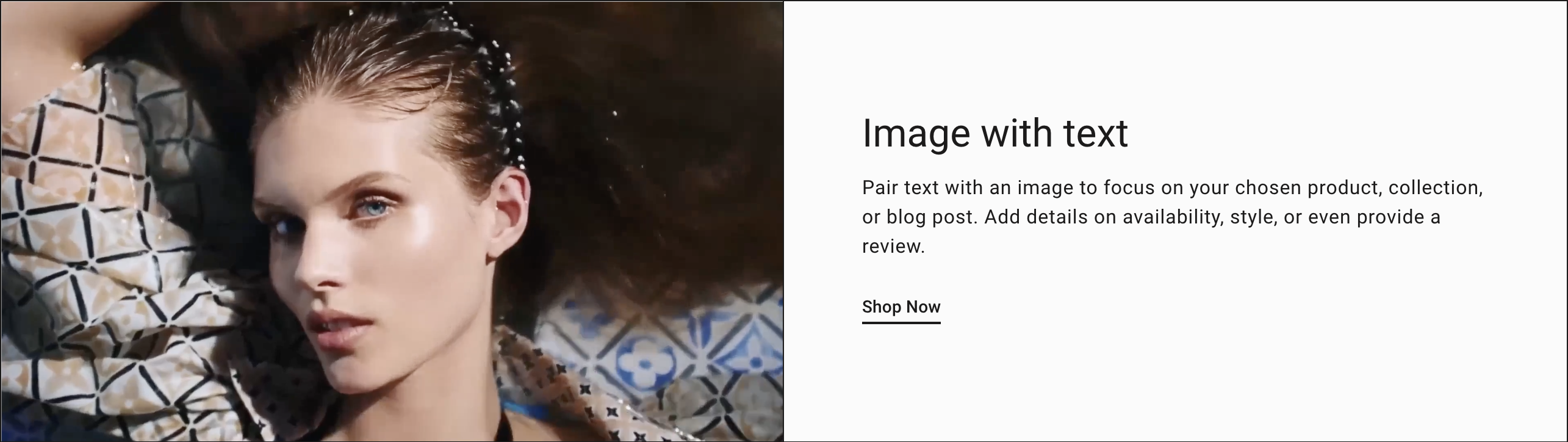
You can add a section that contains a video and a text block with an optional button to link customers to a new page. Pair text with a video to focus on your chosen product, collection, or blog post. Add details on availability, style, or even provide a review.
Section settings
| Setting |
Description |
| Spacing position |
Choose from:
- None
- Top
- Bottom
- Top and Bottom
|
| Color scheme |
A set of colors that you can apply to this section. Learn more about color schemes. |
| Video |
|
| Show video controls |
When selected, the video controls will be displayed. |
| Play video on loop |
When checked, the video will start over after ending. |
| Mute autoplay video |
When checked, the video will be muted and play automatically. |
| Desktop video position |
Choose between Left and Right. |
| Mobie video position |
Choose between Top and Bottom. |
| Shopify-hosted video |
|
| Video |
Add or select your own video to the section. |
| Or embed video from URL |
|
| Cover Image |
The image that displays before a customer plays the video. |
| Edit alt text |
Click to set image alt text for search engine optimization and to describe the image for customers using screen readers. |
| Video URL |
Accepts Vimeo or YouTube links. |
| Video alt text |
Describe the video for customers using screen readers. |
| TEXT |
|
| Text alignment |
Choose from Left, Center and Right. |
| Desktop content position |
Choose from Top, Middle and Bottom. |
Heading block
| Setting |
Description |
| Text |
Title text for the section. |
| Size |
The font size of the heading: Small Medium Large(Default) |
Subheading block
| Setting |
Description |
| Text |
Subheading text |
Description block
| Setting |
Description |
| Text |
Displays paragraph-style text. |
Button block
| Setting |
Description |
| Label |
The text that displays on the button. |
| Link |
The URL that you want the button to link to. |
| Style |
The style of the button. Choose between Primary and Secondary |